Consistent structure your students can carry from your classroom to home.
Children with EF challenges thrive on predictability across every environment. DaySteps lets you extend the structure you already provide — without adding overhead to your day or requiring a new framework.
“EF skills themselves can be a target of practice-based instruction… leading not only to improved EF but also to improved academic achievement.”Zelazo, Blair & Willoughby (2017), IES / U.S. Dept. of Education
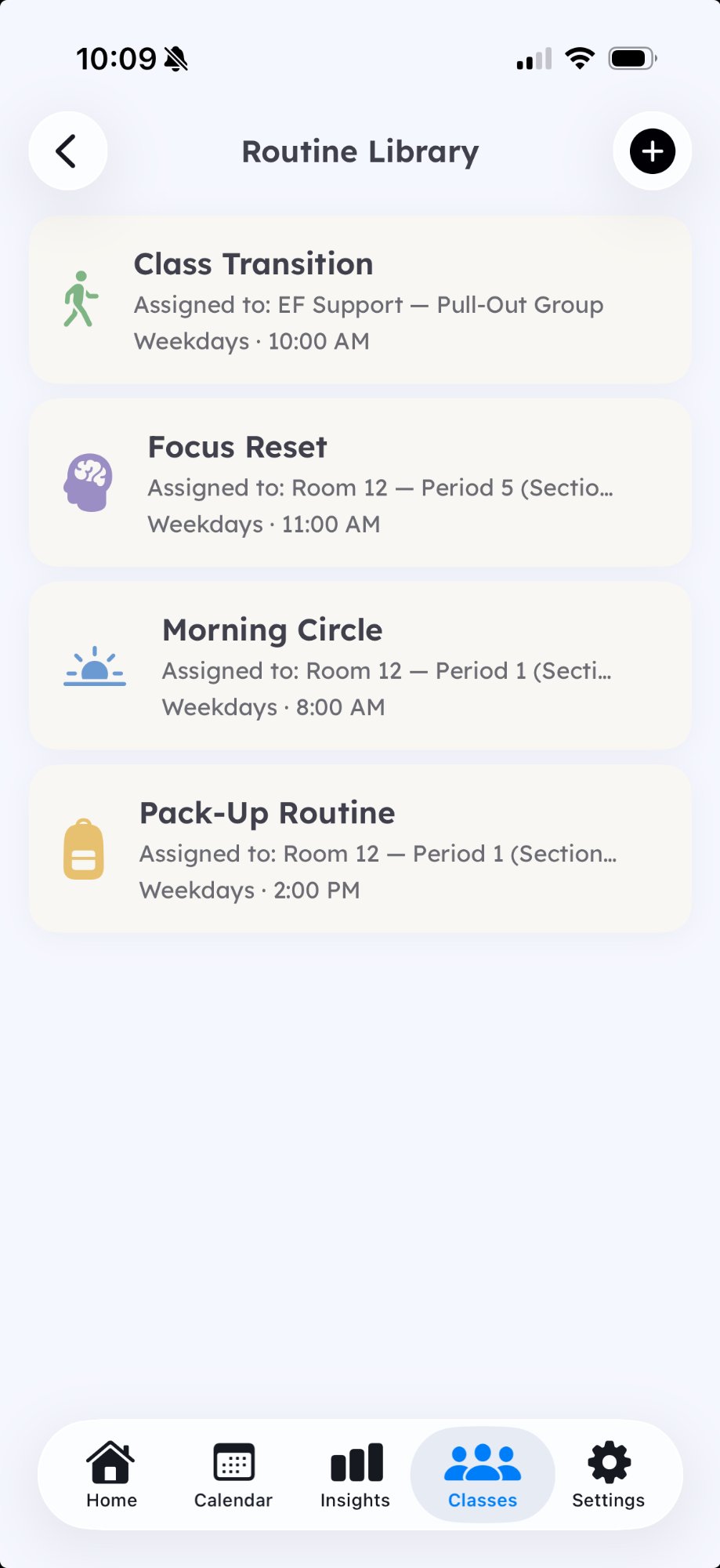
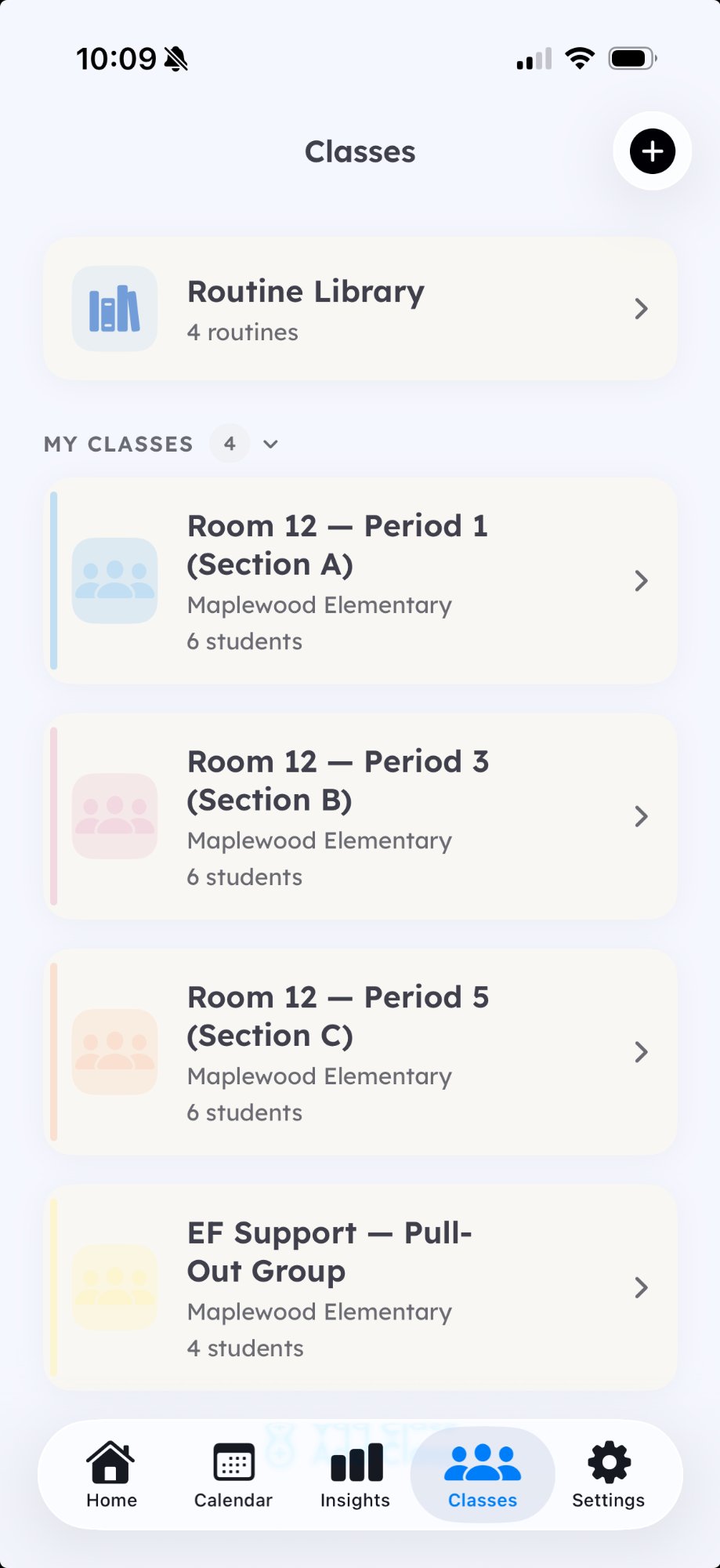
Tools designed for teachers, not IT departments.
Keep the whole class on schedule
Broadcast a routine to every student at once. One tap starts the whole room on the same structure, the same rhythm.
See who's ahead, who's stuck
Real-time progress for every student without walking the room. Know who needs support before they need to ask.
Guided or self-guided, per student
Same routine, different scaffolding levels. One student gets step-by-step guidance while another works through a checklist independently.
Chromebook-ready
PWA support on the roadmap so students can use DaySteps on shared classroom devices without app installation.
Coming soonOne tool. Consistent structure everywhere your students go.
The gap between school and home is where routines break down. DaySteps bridges that gap with the same structure, the same language, and the same calm rhythm — so the work you do in your classroom doesn't stop at dismissal.
Designed for all students
Built on Universal Design for Learning principles. Helpful for students with IEPs, 504s, or anyone who benefits from clearer structure — which is most of them.
Home-school continuity
The same calm structure follows your students home. Parents see the same routines, the same language, the same rhythm you established in class.
Zero overhead to get started
Share a QR code. Students scan it. That's the entire setup. Two minutes, no IT tickets, no training sessions, no new accounts to manage.
How DaySteps fits your school
Built for your classroom, not just your caseload
DaySteps is designed for general education teachers, special education teachers, resource room leads, and school psychologists alike. You don't need to be a specialist to use it — the structure is built in. Chromebook support is on the roadmap so every student can participate on shared devices.
No coordination with parents required
You don't need to coordinate anything with parents. Share a QR code or a class join link, and families opt in on their own schedule. The structure you built in your classroom follows your students home — automatically, without a single parent email.